Setting Up the mSign Connection
The mSign solution enables secure electronic signing of documents. Before first use, you need to establish a connection between your user account and the mSign service.
What does "setting up the mSign connection" mean?
Setting up the connection means that your mDocs+ system connects to mSign, which enables:
- sending documents for signature,
- managing signing processes,
- signing documents
Prerequisites
Before you can set up the connection, you need:
- Access to the mSign environment
- An mSign user account
Setting up the connection
a) Logging in to a system that supports mSign (e.g. mDocs+)
- Log in to the mDocs+ system.
- After logging in, the main work screen, dashboard, appears, where the window for connecting with mSign is located
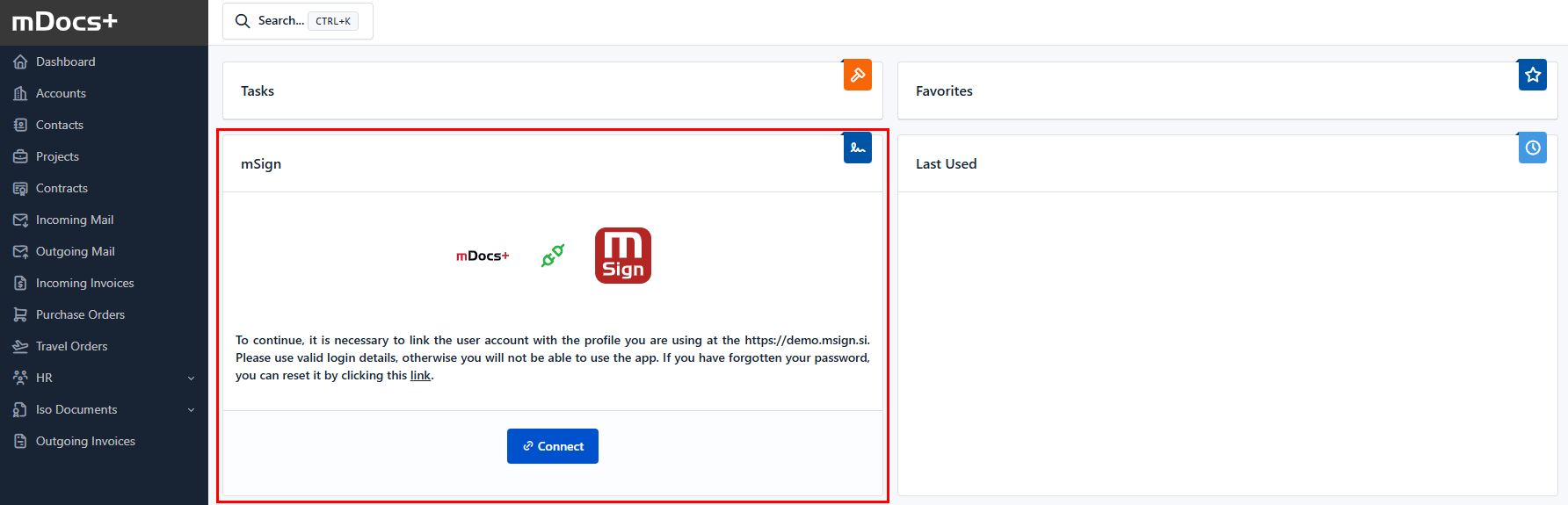
- Select the Connect option.
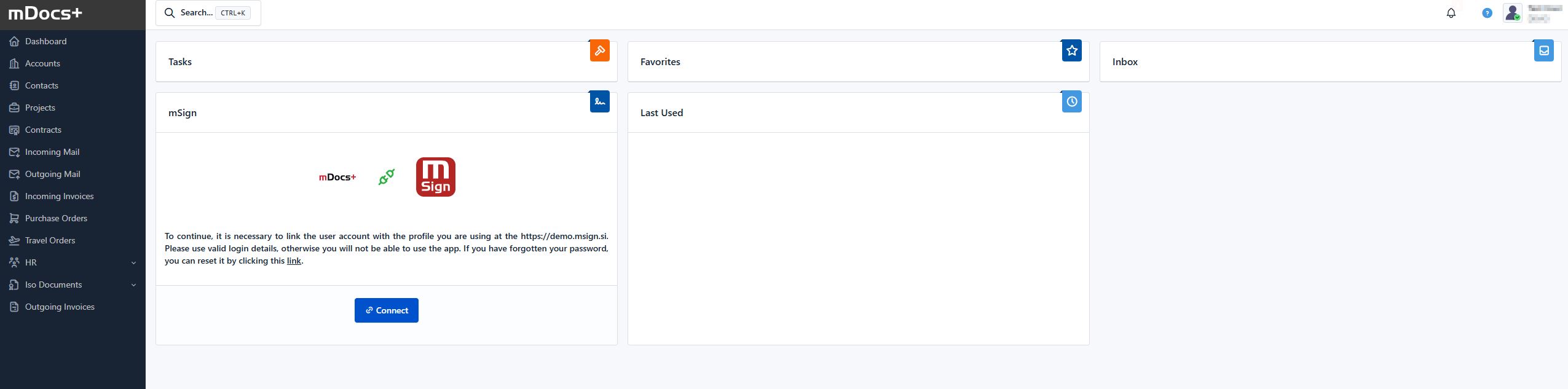
b) Authentication
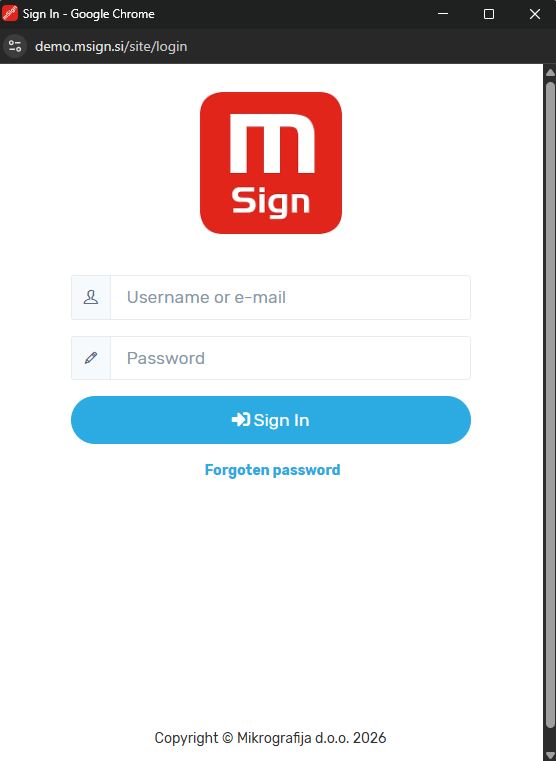
- The mSign authentication interface opens.
- Enter your mSign login credentials (email address, password, or two-factor login).
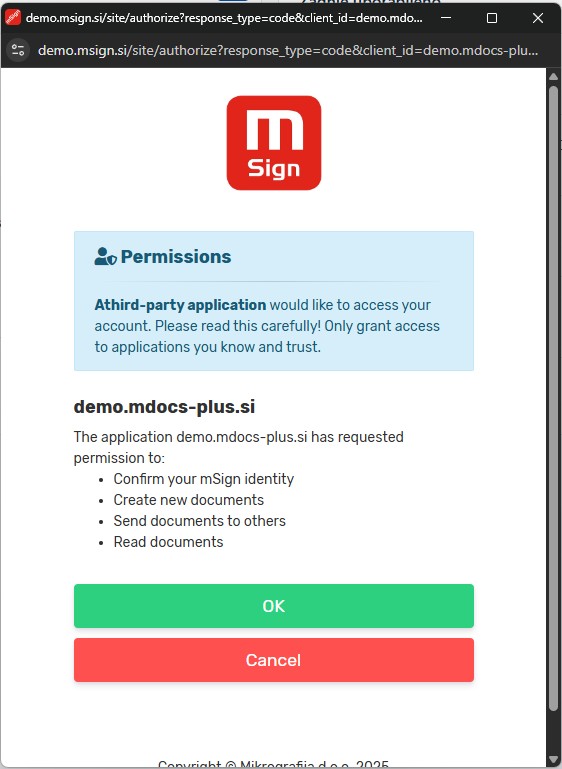
- Allow the connection between the systems.
- After a successful connection, you will be notified with the message: "The connection with mSign has been successfully established"
Instructions for using mSign (instructions for users and administrators) are available to mSign users within the mSign solution.