Logging into the System
The available options depend on the configuration for your organization. Login types can be with a username and password, or with an active directory. The user logs in to the system via the login form. Upon login, the system adopts the default language of the document system. The document system can be connected to the subscriber's active directory, in which case the username and password are the same as the domain user's credentials.
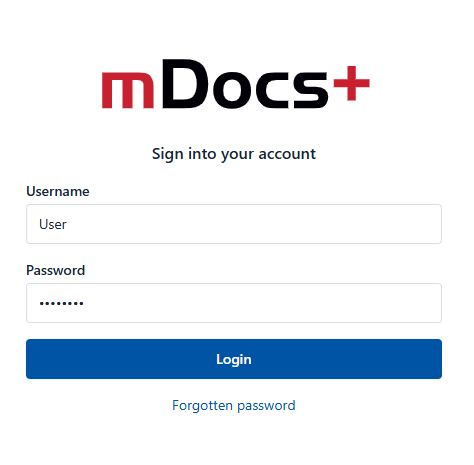
On the login page, enter your details:
- Username: your assigned username
- Password: the password you set during registration or received from the administrator, or your domain password (for the active directory login type)
Click the "Login" button
After a successful login, you will be redirected to the system's home page, where you can access the functionalities available to you.
Possible Login Errors
If the login details are incorrect, the message "Incorrect username or password" is displayed. The user re-enters their login details.
If the number of failed login attempts is exceeded, the user contacts their system administrator, who unblocks the account as part of their administrator role. This option depends on the configuration for your organization.
Logging out of the System
The user logs out of the system by clicking on their username (top right corner), then selecting the "Log out" option from the menu, thereby successfully logging out of the system.
