Introduction
Access to Administration is restricted and can only be used by a user who has the appropriate permissions. You access Administration by clicking the button in the top right corner that contains your username. This will open the main menu.

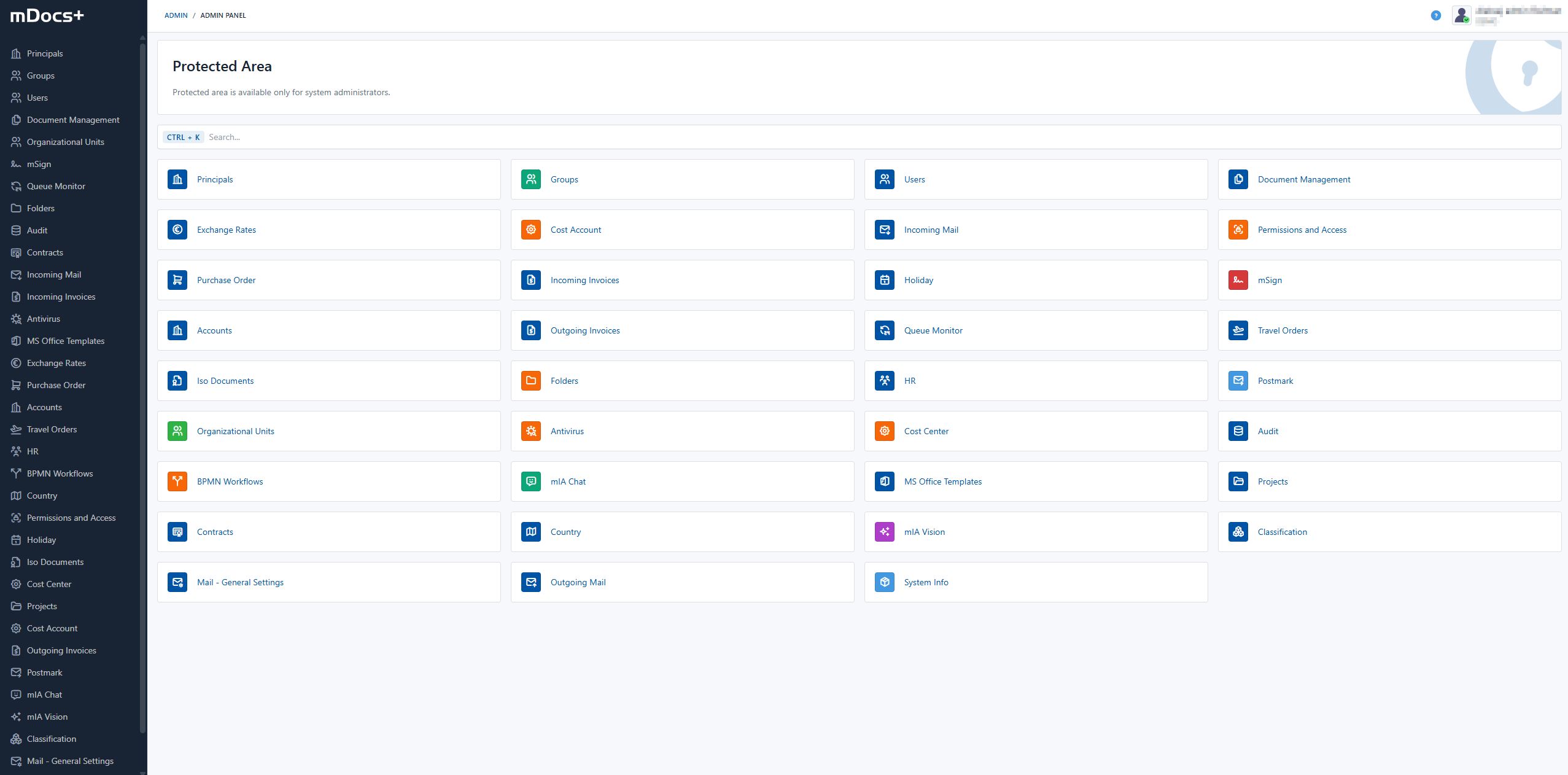
Click on "Administration" and the home page opens, where you can manage the various settings and functionalities available in the system. The sections, or modules, of the administration are described below. The available options depend on the configuration of your system.
For additional information and help, see the chapter > Troubleshooting and FAQ.