Groups
The Groups module allows for structured, transparent, and flexible management of users and contributes to better control over access and collaboration within the organization. It allows for administrative organization and control over user groups in the system. The administrator user can create new groups, edit or delete existing ones, assign group leaders or set parent groups, manage members, and temporarily disable groups if necessary. The module allows for transparent, efficient, and flexible management according to the needs of the organization.
Management options for groups depend on the system configuration (e.g., if groups are obtained from an active directory, group editing options within the system may be disabled).
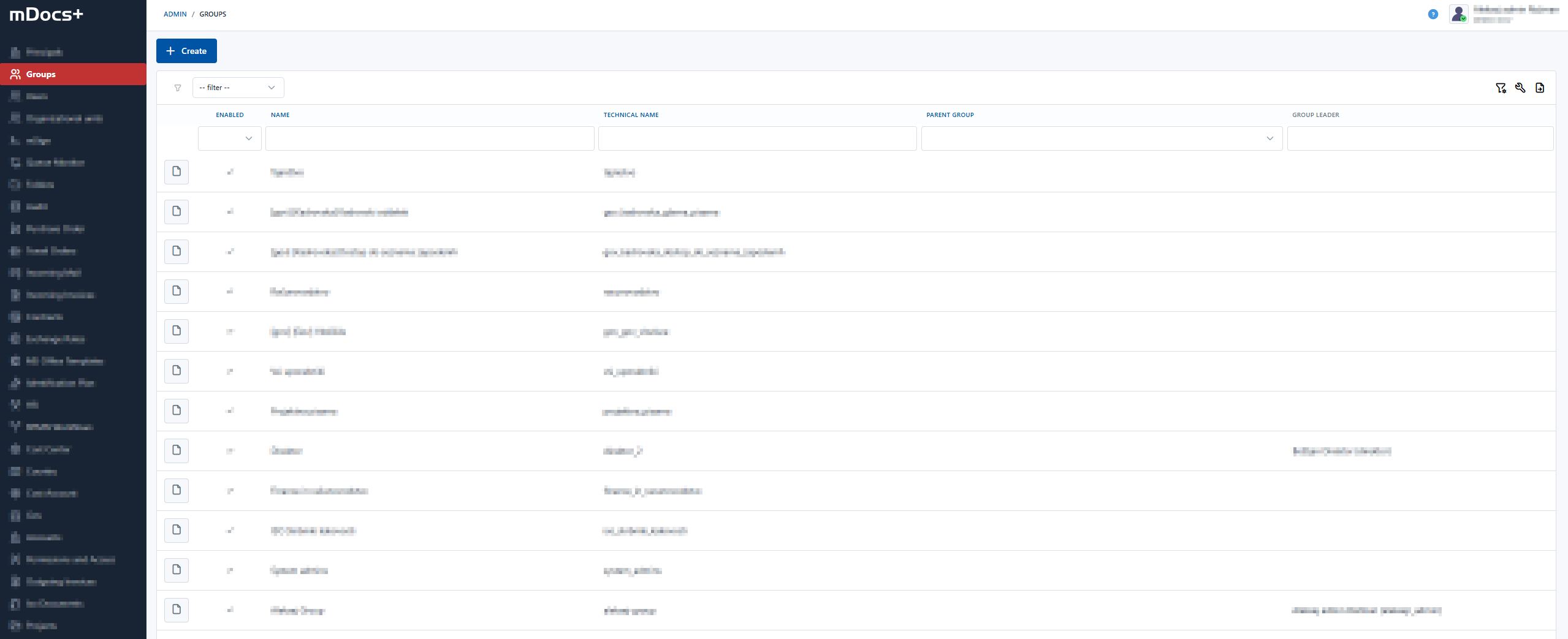
Groups are assigned access rights, which makes it easier to manage documents according to departments, projects, or other organizational units.
Key functionalities:
- Adding groups: Creating new groups with a unique name.
- Editing: Changing the name and settings of existing groups.
- Deleting: Permanent removal of a group (not possible if it contains related records).
- Parent groups: Establishing a hierarchy between groups with a tree structure.
- Managing members: Adding or removing users.
- Disabling: Deactivating a group without deleting it.