Organizations
The system enables a multi-organization environment, which means that several separate organizations, each with its own structure, users, and access rules, can operate within a single system. This architecture enables centralized document management while ensuring the security and separation of data between organizations.
The advantages of the multi-organization approach are:
- Separate and shared administration: For some settings, the system enables centralized administration for all organizations, while for others it enables separate administration per organization.
- Data security: Data and documents are separated between organizations.
- Scalability: The system enables easy addition of new organizations without affecting existing ones.
- Centralized maintenance: Shared infrastructure makes maintenance and upgrades easier.
The multi-organization mode is suitable for companies, groups of companies, or institutions that want to manage several independent units within a single document system. The administration module for managing organizations is a key part of the system, enabling the viewing, adding, editing, and deleting of organizations, as well as managing membership.
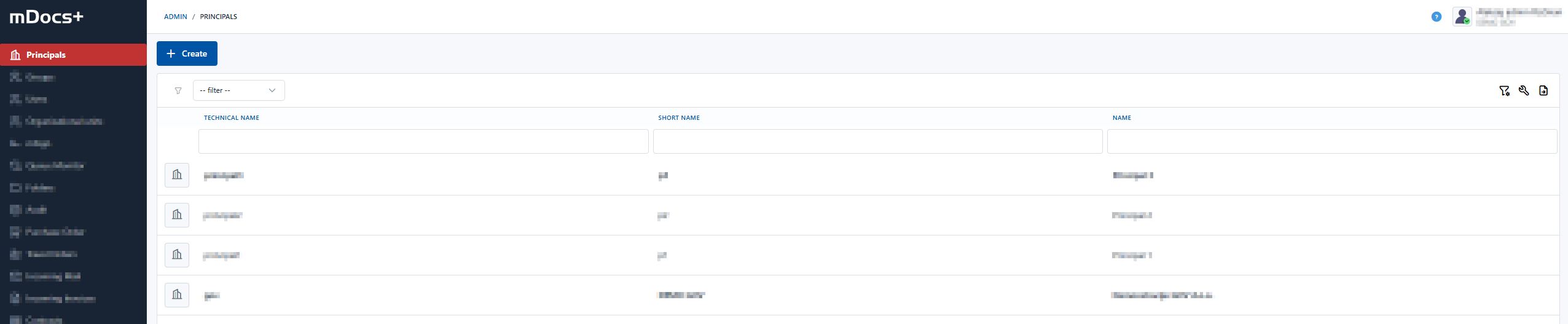
Managing organizations
The module provides a robust tool for administering the organizational structure, contributing to greater efficiency and control.
Data about organizations is displayed in a clear table, or list of organizations, which includes basic information about the organization's name, where search and filtering are available. By clicking on one of the organizations in the list, that organization's data opens, and the Organization and Users tabs include information about the organization's details and about the users who are members of that organization.
Key functionalities:
- Adding an organization: To add a new organization, the user selects the "Add new organization" option, enters the required data and any additional data, and confirms with the "Save" button.
- Editing an organization: Existing organization data can be updated and edited by selecting the organization and clicking "Edit". Save the changes after editing the data.
- Deleting an organization: An organization that has no assigned users can be deleted from the system. If the organization contains related records (users, document records, etc.), deletion is not possible.
Managing organization users
Managing organizations enables viewing the users of an individual organization, as well as adding or removing users from the organizational structure. Viewing users within an individual organization is enabled. A user is placed into an organization on their profile in the administration.