Reporting Issues to Customer Support
Before logging in to the Service Desk system for the first time, you must register. To register, send an email to support@mikrografija.si, then visit the URL https://jira.mikrografija.si/servicedesk/customer/portal/3 and use the "Forgotten password" option.
Send reports of issues, errors, requests, or change requests, etc., as an authorized representative of your organization to support@mikrografija.si. Add in copy anyone you want to be informed or included in the correspondence for resolving the request.
The Service Desk system will send you a confirmation of receipt, and the ticket, or request, will be automatically saved in the system. There are two ways to use it:
- Email: Conduct all communication via email, always using "reply-to-all" on the email marked with the SD ticket number; as a rule, do not change the subject line.
- Service Desk portal: Log in to the Service Desk portal, where you can review and exchange information for existing tickets, add comments, check and set the status of a request, and also open a new request directly.
Ticket status – Track the current status of requests through the Service Desk portal.
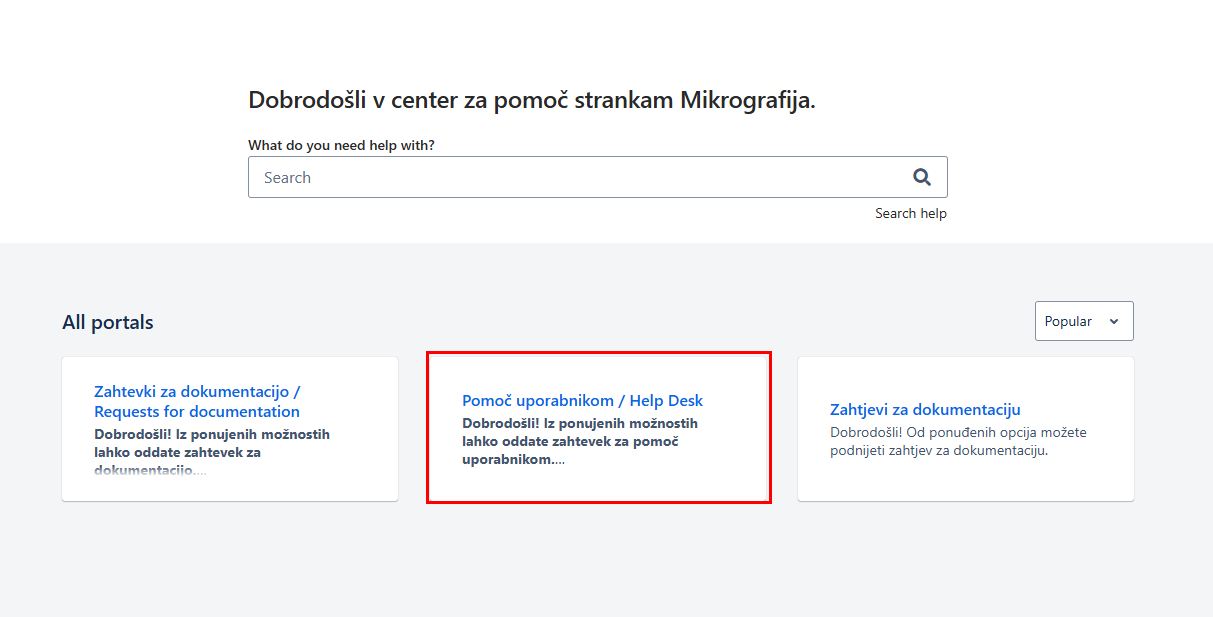
The Service Desk for external use is accessible at https://jira.mikrografija.si/servicedesk/customer/portals – select the "Help for users…" link (Figure 1), or directly at https://jira.mikrografija.si/servicedesk/customer/portal/3 (Figure 2). After logging in, you can track all tickets that have been reported by users, as well as all those that have arrived from your domain.
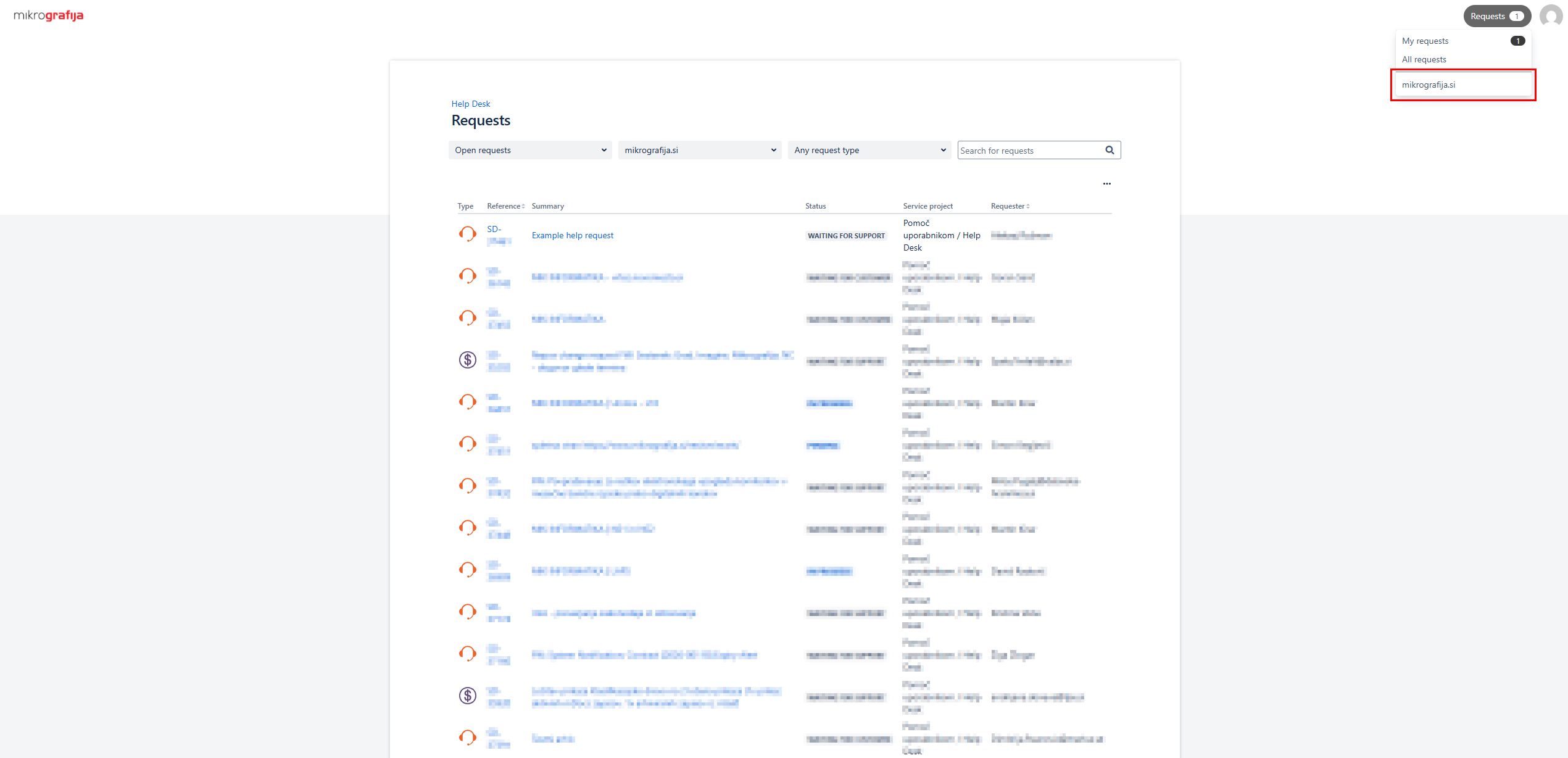
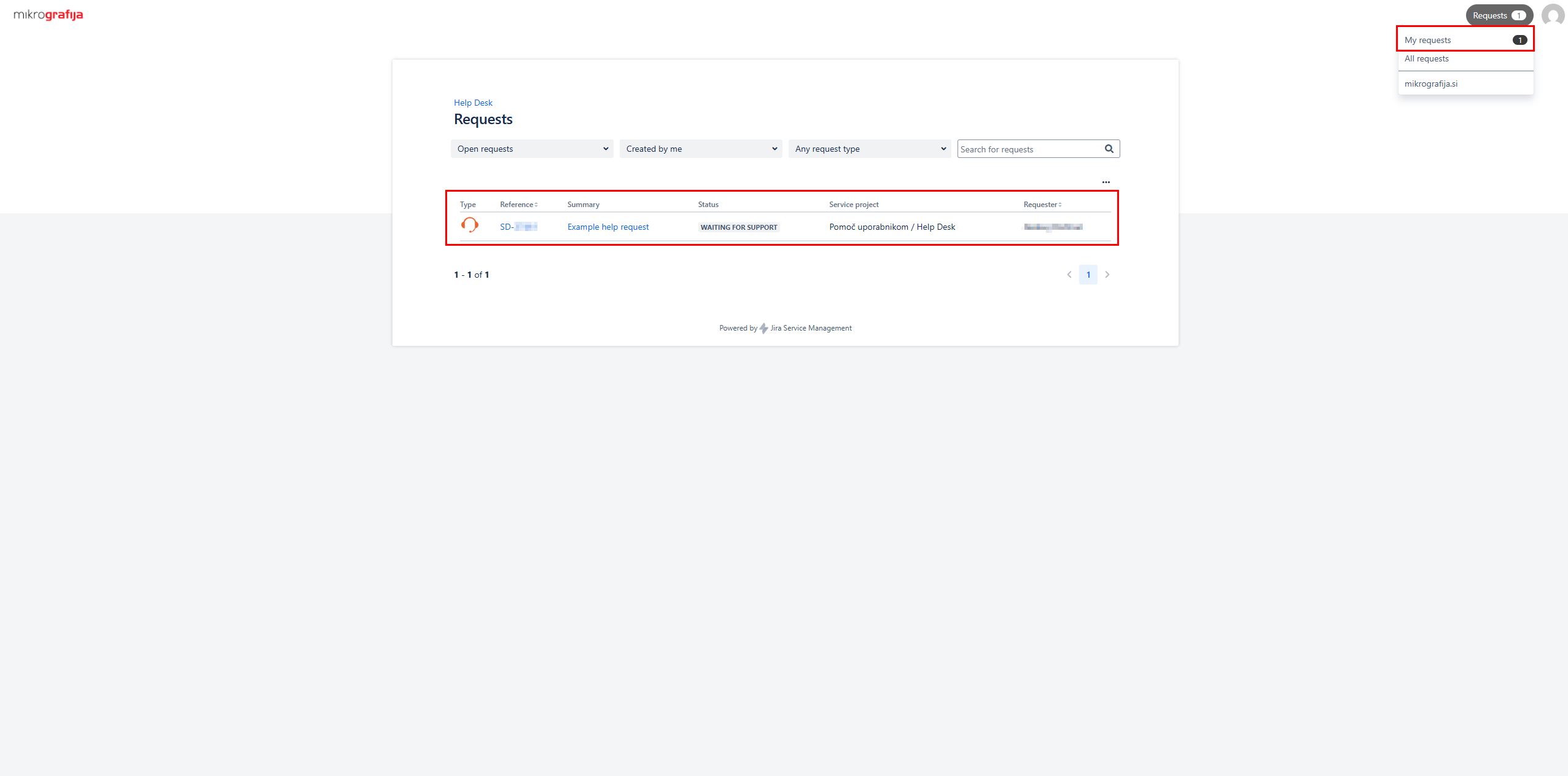
When you click on "My requests" or another option, a list of tickets and their resolution statuses is displayed – see screenshot 3:
When you click on a selected ticket, its record opens, showing all correspondence – it is added automatically from the email through which the resolution takes place, or you can enter it directly in the "Comment on this request…" field.
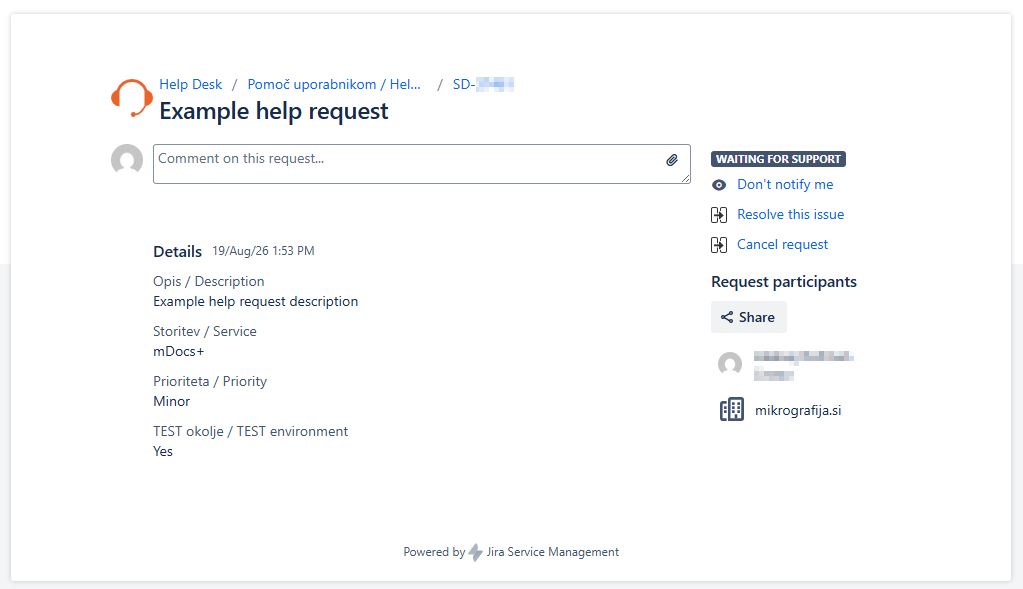
To submit a new help desk ticket, use the form below:
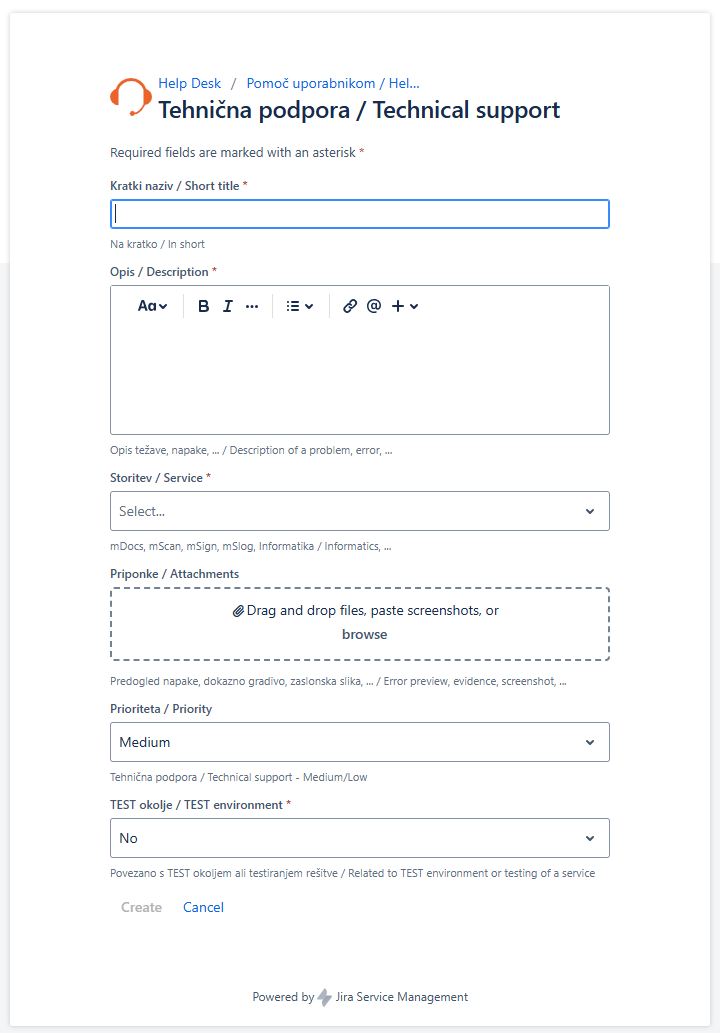
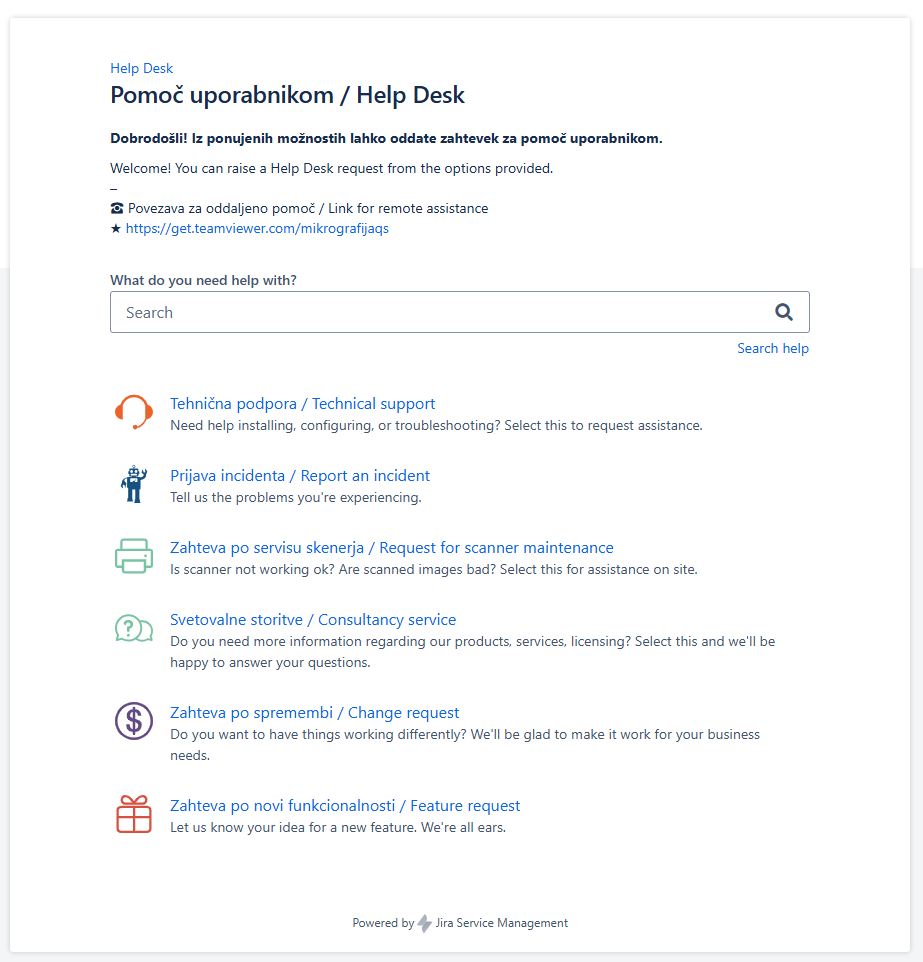
After opening the Help Desk from the main portal, you will see the following form: