Reverting to a previous version
The document system allows you to revert an attachment to an older (previous) version.
What does an attachment version mean?
Every time a user saves changes to an attachment, a new attachment version is created.
How to revert to a previous version?
-
Open the document where you want to check the history.
-
In the menu, select the "Attachments" option. Select the attachment you want to revert to a previous version.
-
A list of all saved attachment versions is displayed, with details:
- version number,
- date and time of the change,
- the user who made the change,
-
Mark the desired previous version.
-
Click the "Restore" option.

- The system will warn you that the existing content will be replaced.
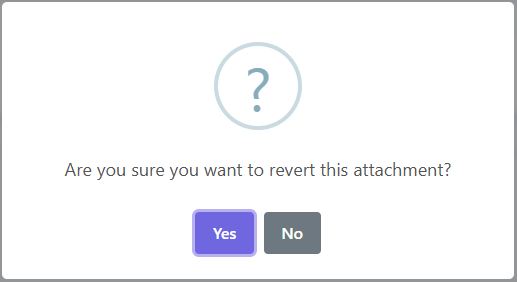
- Confirm the action – the system will restore the selected data and save it as a new, current version.