HR Module
This module is intended for managing employees' HR documents and general HR documents. It enables the preparation and approval of HR documents.
Employees, Other Documents, and Vacancies Submodules
Employees Submodule, and Employee Documents, Employee Contracts
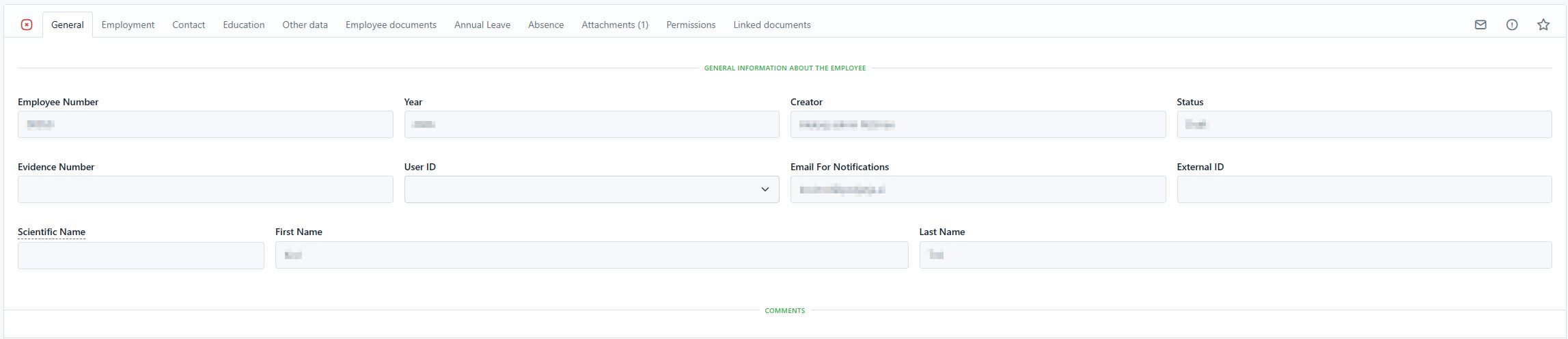
The Employees submodule, or document type, is intended for maintaining a register of employees with their basic information. The available integration options with the process system (ERP) depend on the configuration settings for your organization.
Default Employee document form
Employee Documents
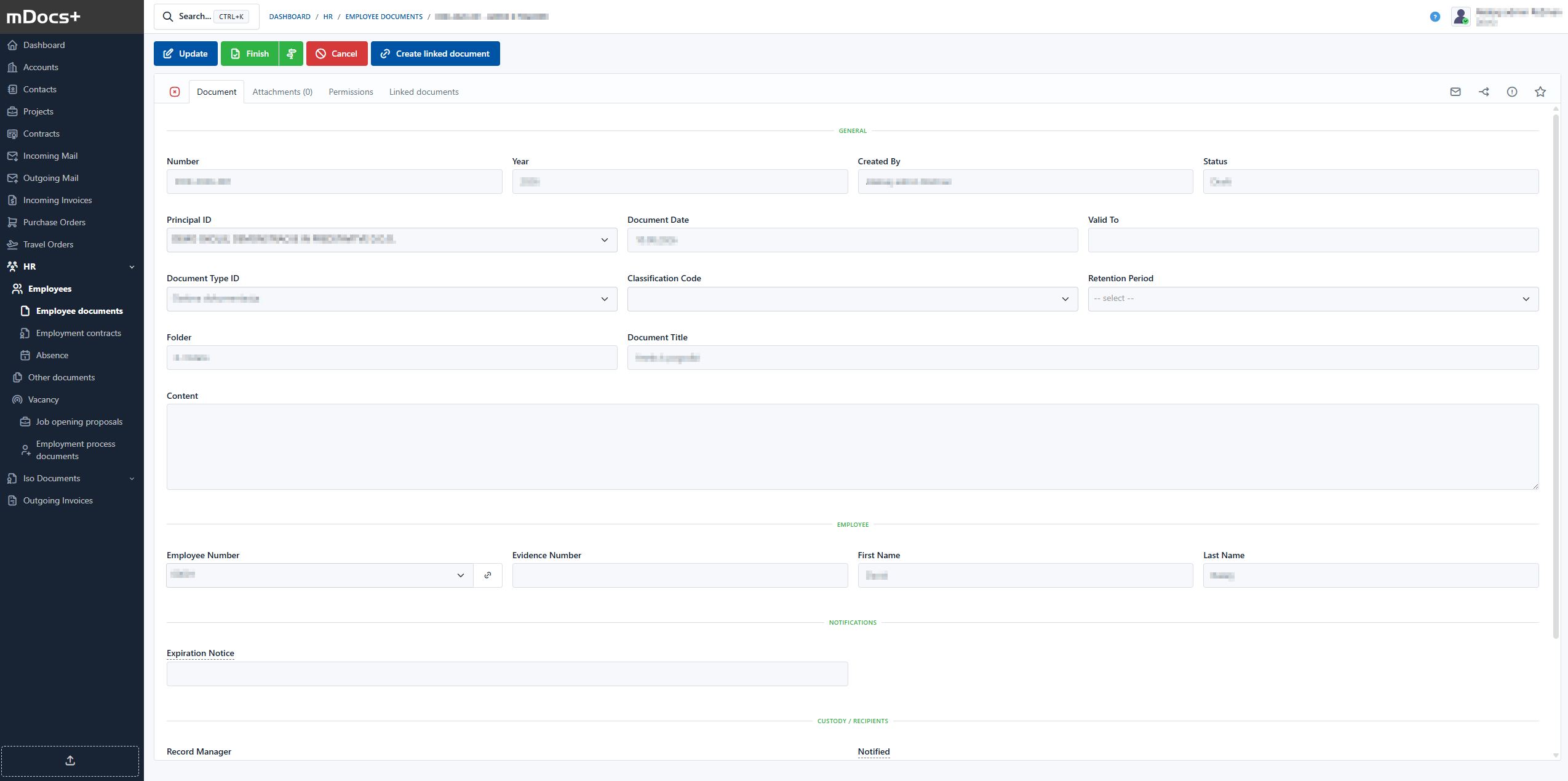
Employee documents represent various documents that are linked to a specific employee (by employee number).
Default employee document form
Employee Contracts
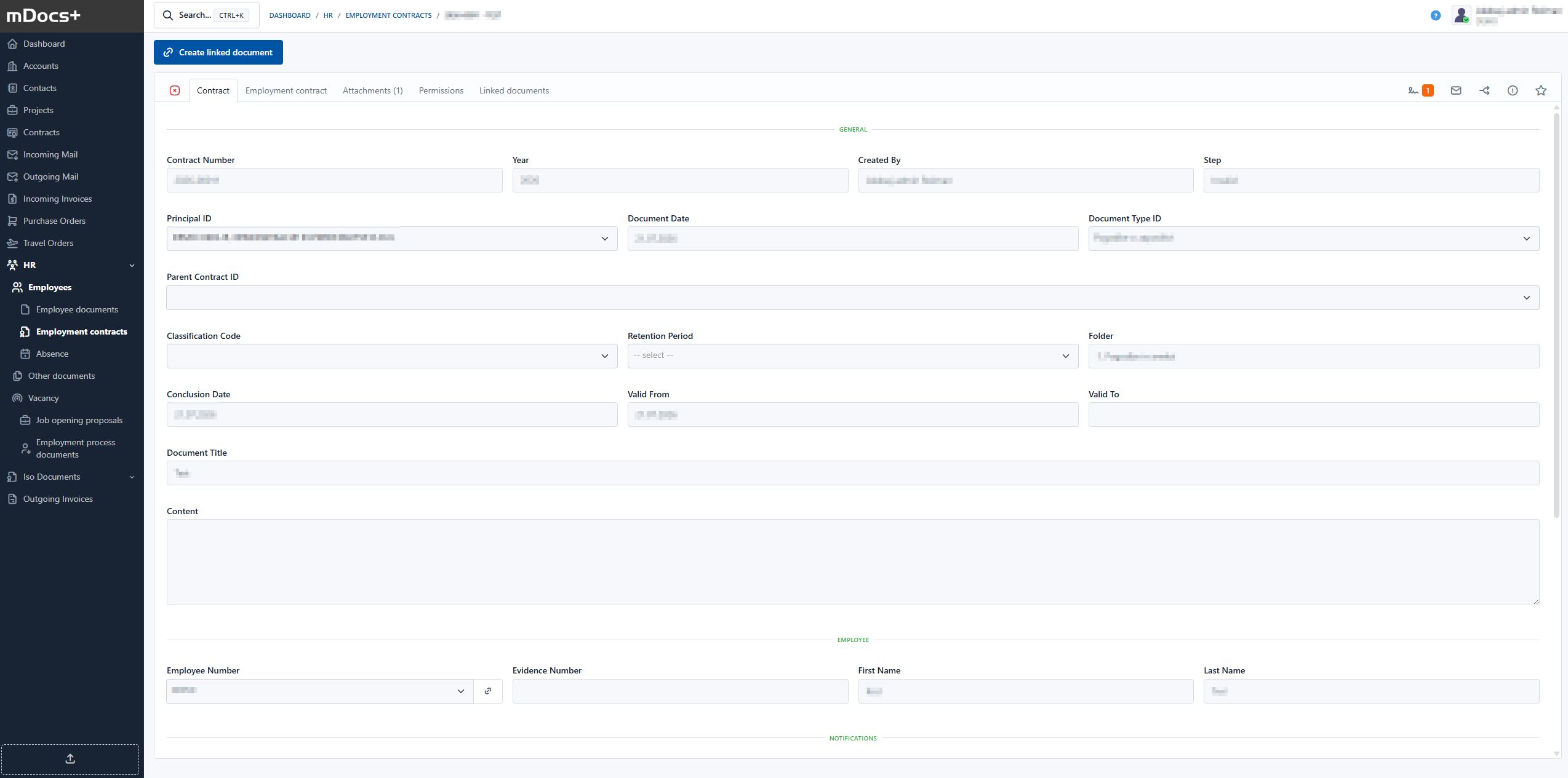
A dedicated document type used to maintain various HR contracts. Employee contracts represent various contractual documents that are linked to a specific employee (by employee number).
Default employee contract form
Other Documents Submodule
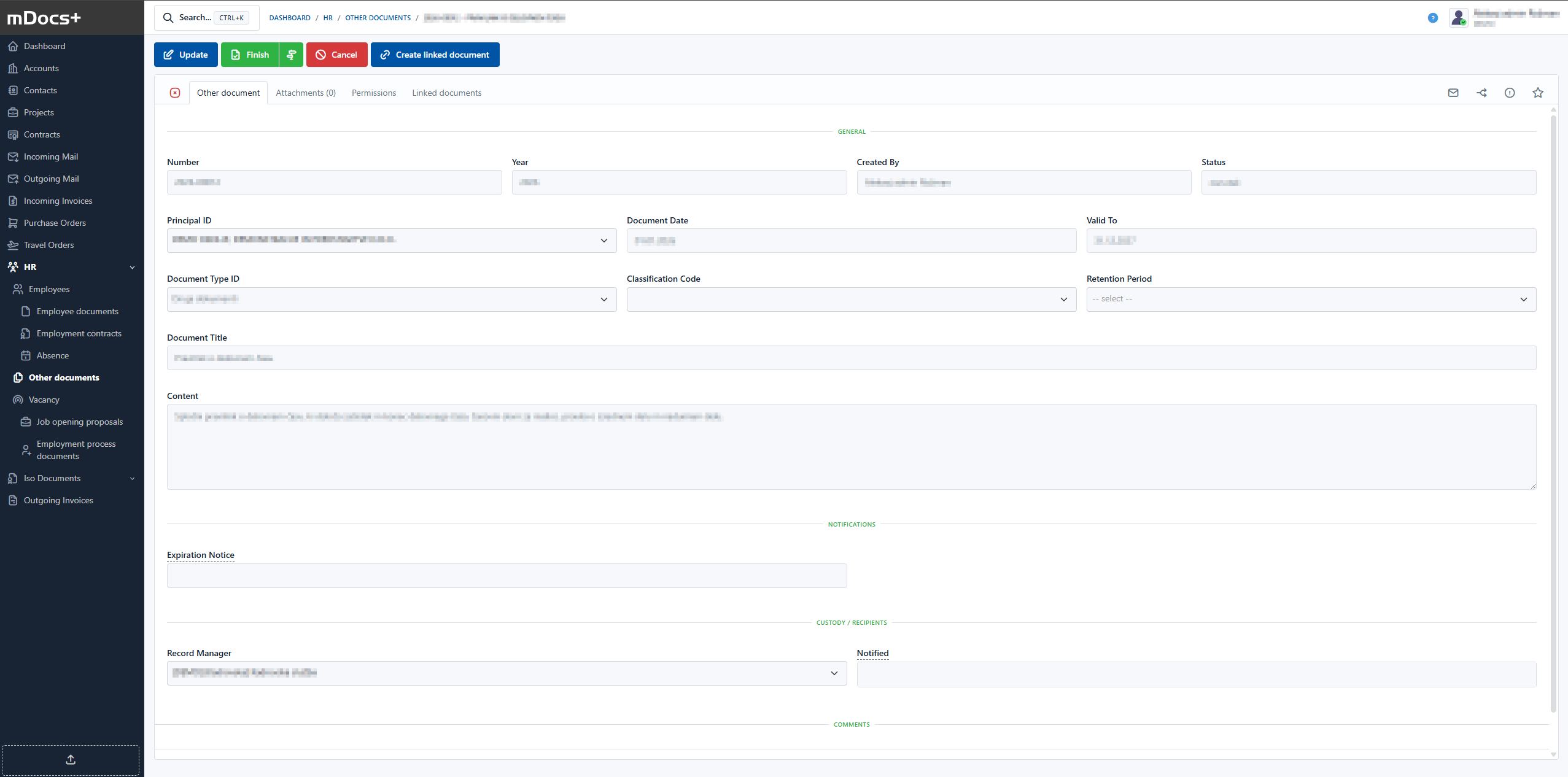
The Other HR Documents document type is intended for recording HR documents that are not linked to an individual employee, e.g. documents of general HR documentation, training assignments, and similar.
Default form for other documents
Vacancies Submodule, and Vacancy Proposal, Recruitment Document
The Vacancies document type is intended for maintaining a register of HR vacancies.
Vacancy Proposal
Vacancy Proposal displays the list of vacancy proposals and allows a new proposal to be created.
Recruitment Document
Recruitment Document displays the list of recruitment documents and allows a new recruitment document to be created.
Creating, Viewing, and Managing Documents
Editing, changing, viewing, and managing documents in the HR module follows the same procedures as in the other modules.
Document List
The document list (hitlist) of the HR module and its submodules displays a listing of documents and some of their metadata. More about document lists can be found in the chapter > Document List It allows users to quickly view, filter, and search by key metadata.
Document Status Colors
Records or documents can be in various statuses throughout their processes. The basic meaning of the icons is the same as in the other modules. The statuses and icon colors may differ depending on the submodule.
| Color | Meaning | Description |
|---|---|---|
| 🟢 | Completed | The document is completed |
| 🟠 | Approval | The document is in the approval process |
| 🔴 | Cancelled | The document has been cancelled |
| ⚪️ | Draft | A new record with all required metadata |
Document statuses depend on the configuration settings for your organization.