Change Organisation
The mDocs+ system allows you to work with multiple organizations at the same time. If you are part of several organizations, you can easily switch between them directly from the login window.
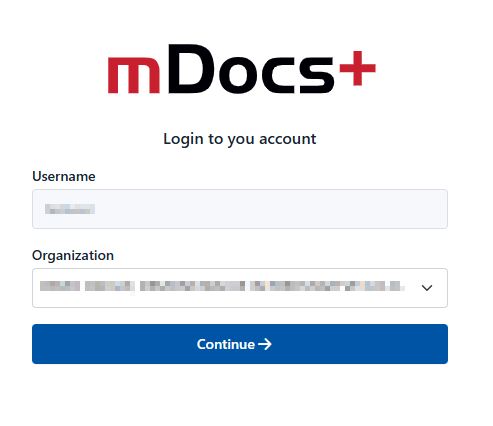
Switching Organization
-
In the login window: In the "Organization" field, click the drop-down list to view the list of all organizations you are connected to.
-
Select an organization: From the list, select the name of the organization you want to log in to.
-
Continue with the switch: After selecting the desired organization, click the "Continue" button to change the organization.
Tips
- Remember your choice: The system can remember your organization choice so you will not need to select an organization again at your next login.
- Managing organizations: If you need to add or remove an organization from your list, contact your system administrator.
Using the change organization feature, you can easily manage your tasks and access the data of different organizations within the same user account.